

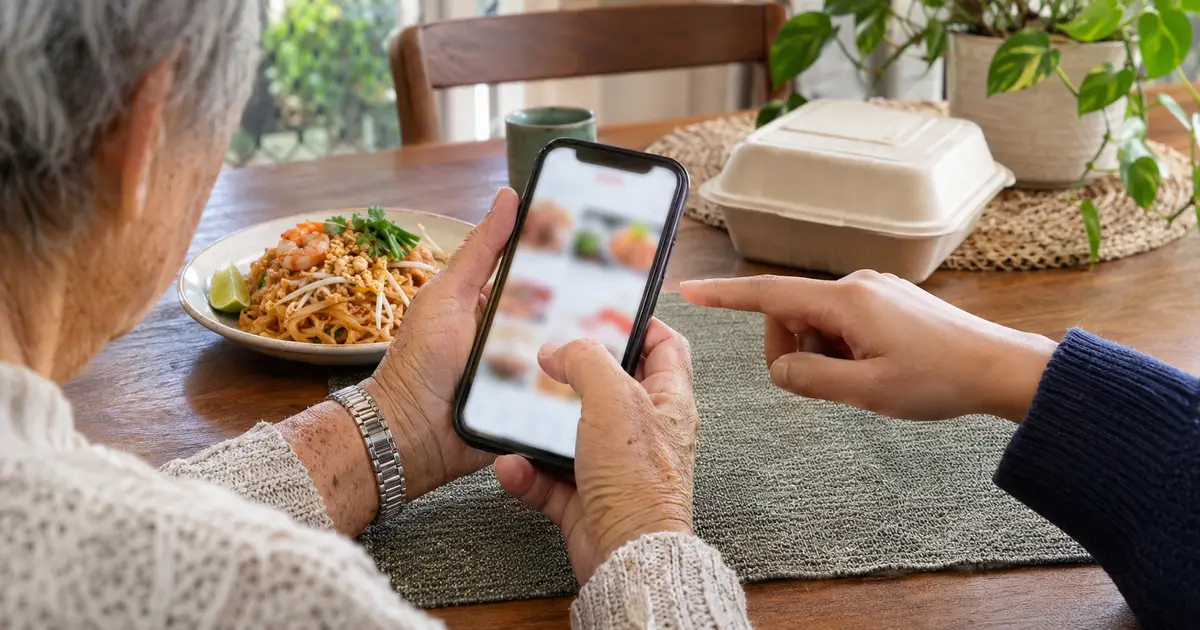
Helping a relative order dinner can become frustrating when one person wants to explain the screen and the other simply wants to choose a meal. The overlooked part of online food ordering is often the pace of the conversation. A helpful companion can make the process clearer while leaving the choices and final decisions with the person placing the order.
For an Albany takeaway meal, that means agreeing what help is wanted before touching the device. This guide compares different forms of ordering assistance, then explains the checks worth making together. It does not assume a particular account type or checkout layout. How can you help someone place their own order without turning an ordinary dinner decision into a rushed lesson?
Guided ordering and taking over produce different experiences
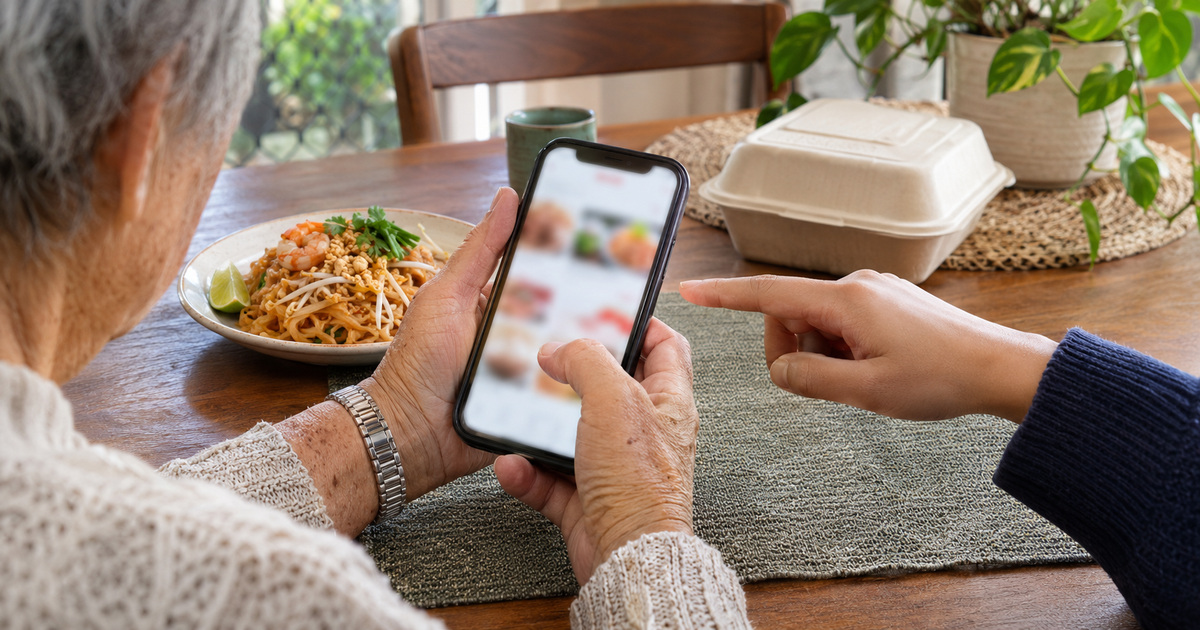
Guided ordering lets the relative control the device while a companion explains an unfamiliar step or reads a detail aloud. Taking over may be quicker for the helper, but it can leave the person ordering unsure what was selected or how the total changed. Start by asking which parts they want help with today.
The answer may be very specific. Someone could be comfortable using their phone but want help understanding two similar dish names. Another person may know the menu well and need assistance moving between stages of an unfamiliar ordering page. Treat those as different needs rather than assuming that every difficulty is a general problem with technology.
Agree a comfortable pace and pause after each decision. If the helper points out a choice, leave time for the relative to read it and respond. Ask before reaching for the device. A small amount of patience now can make the next online takeaway order more familiar, while still respecting that the person may prefer help again next time.
Choose the device around the person using it
A familiar phone may feel easier than a larger device that someone rarely uses. Another diner may find a larger screen more comfortable for reading menu descriptions. Compare practical comfort rather than declaring one device best for everyone. Check that the person can see the information, hold or position the device comfortably and move through the page at their own pace.
Begin with the official Chanya Thai website and its current ordering link. Check the restaurant identity and available ordering arrangement instead of using an old saved screen as the only reference. The live page determines which choices and steps are available; a previous visit may have looked different.

Separate menu choices from navigating the page
Choosing dinner and operating the ordering page are two tasks. Discuss the meal first where possible: who is eating, which dishes will be shared and what the group wants to spend. That gives the person ordering a clear purpose for each selection rather than presenting a stream of unexplained instructions.
Read the full dish description when a name is unfamiliar. A favourite curry may have several protein choices, while a noodle dish can differ from another item with a similar name. Let the relative decide between the actual menu choices. The helper can explain the wording or ask a question without substituting their own preferred meal.
Be clear about rice, starters and the number of portions the group intends to order. A request for “the usual curry” may leave several details unresolved. Our guide to keeping similar dish names and variations straight offers a useful way to make those details explicit before the final check.
Explain the next step instead of narrating every click
Short explanations are easier to follow than a running commentary about the whole process. Describe the immediate purpose: checking the selected variation, reviewing the quantity or finding the order summary. Then let the person complete that part. If the page changes, pause and identify what is now visible before giving another instruction.
Avoid pressing ahead while the person is still reading. A screen that seems obvious to a frequent user may contain several competing items for someone encountering it for the first time. Ask what is unclear and answer that question. Repeating a long set of directions more loudly rarely helps with a detail that needs a simpler explanation.
If an option or instruction is confusing, use the current page wording as your reference. Do not invent an account requirement, guest checkout option or automatic reorder function based on another restaurant’s website. When a restaurant-specific question remains unresolved, contact the team before relying on an assumption that could change the order.

Review the order together before the final decision
The final review is a good place to slow down. Read the selected dishes, variations and quantities together, then compare them with the meal plan. Ask the relative to explain the intended order in their own words if that is useful. This checks shared understanding without turning the moment into a test of memory.
Check the displayed total and any applicable charges before proceeding. The person placing the order should understand what the final amount covers. If the page offers a timing or fulfilment choice, read the actual option and confirm it suits the plan. Do not assume that delivery is available or that a preferred collection time has automatically been accepted.
Allow the relative to handle any personal payment information in the way they choose, then ask whether they are ready for the final step. The order submitted should reflect their decisions and the information shown on the current page.
Confirmation and follow-up are part of the task
Once the final step is completed, look for the order confirmation or other status information actually supplied. Read what it says rather than assuming that a changed screen means the order was accepted. Keep the relevant details accessible so the person can check the arrangement later without needing the helper to remember everything.
If the status is unclear, avoid immediately placing the same order again. Contact the restaurant with the available details and ask whether the order was received. This is a practical question about the transaction, not a reason to blame the person using the device. A calm follow-up can prevent a small uncertainty becoming a duplicate meal.
Confirm who will collect the food if collection has been arranged, and what information they need. Our guide to checking an ordering process before creating an account provides more questions for understanding an unfamiliar service. Its general checks should still be compared with the current page.
A checklist for choosing useful help
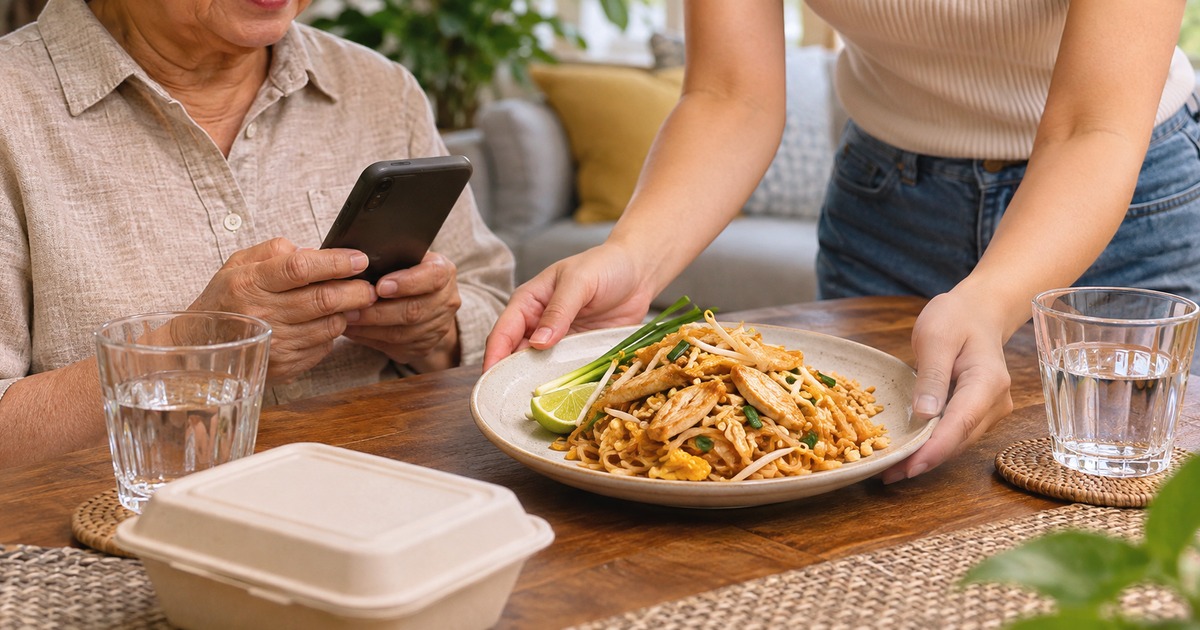
- Ask which parts of the order the relative wants assistance with.
- Choose a familiar, comfortable device and a clear place to use it.
- Agree the meal before navigating the ordering page.
- Explain one immediate task at a time.
- Review dishes, variations, quantities and the displayed total together.
- Let the person make the final decision and keep confirmation details accessible.
- Contact the restaurant when receipt or an arrangement remains unclear.
For Albany takeaway, choose clear menu information and a team that can resolve dish or ordering questions. Chanya Thai’s published phone contact gives you a way to ask directly.
Make the next order a calmer shared task
Good online food ordering assistance follows the person, the meal and the page in front of you. Agree the help wanted, take decisions one at a time and finish by checking the actual confirmation. Familiarity can grow without rushing or taking control away from the relative ordering dinner.
Planning a Thai meal together? Visit Chanya Thai’s website for its current menu and ordering link, or call 08 9800 1901 with questions before starting the order.
Frequently asked questions
Should I always use the larger device?
Choose the device the person finds most comfortable. Familiar controls and readable information may matter more than screen size alone.
Does helping mean I should place the order for them?
Ask what help is wanted. Explaining a menu detail or reviewing the summary together may be enough while the relative keeps control of the order.
What if no clear confirmation appears?
Check the information supplied, then contact the restaurant before trying again. Avoid assuming that a duplicate order is the best way to resolve an uncertain status.
Can I rely on the process from our last order?
Use it as a familiar starting point, then read the current choices and instructions. Menus and ordering arrangements can change between visits.